One system to run your whole business.
Inventory, sales, point of sale, finance, people, projects and assets in a single, modern ERP that is simple enough for your whole team to use from day one.
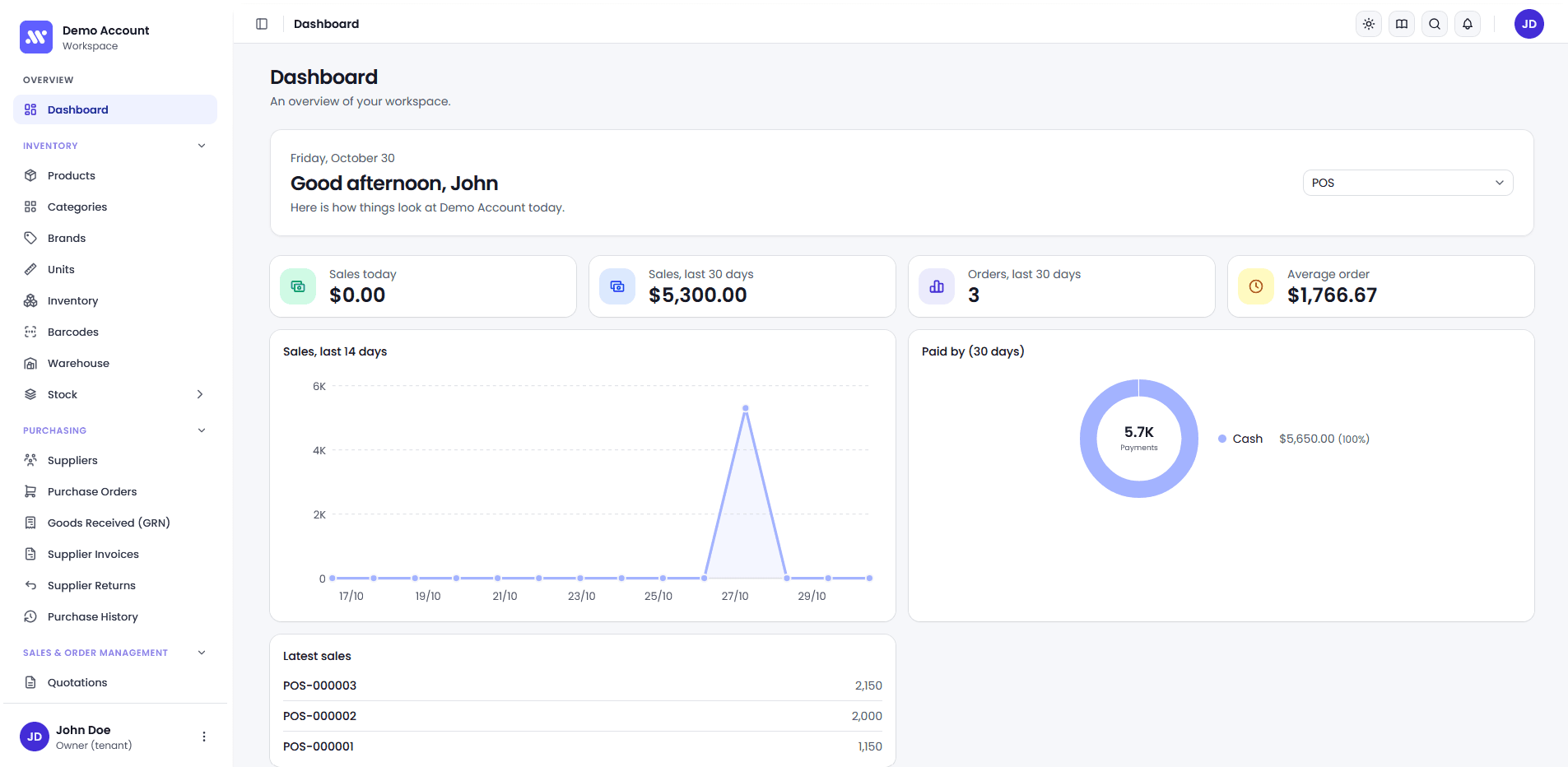
- Business modules
- 10Business modulesPick the modules you need and add more as you grow.
- Source of truth
- 1Source of truthA sale updates stock, customer balance and your books automatically.
- Device, anywhere
- AnyDevice, anywhereWeb based, works on desktop, tablet and phone, with light and dark modes.
Modules
10 modules. One connected system.
Every department works from the same live information. Start with the modules you need and switch on others as you grow.
Inventory
Products, stock levels, warehouses and barcodes
- Multiple warehouses with stock per location
- Sell loose goods by weight, volume or length
- Low-stock alerts and barcode label printing
Purchasing
From supplier order to payment
- Purchase orders with discounts, tax and PDF
- Goods received, including partial deliveries
- Supplier invoices, payments and returns
Why Altrio ERP
Why businesses choose Altrio ERP
Simple to learn
Every list works the same way, so once you know one screen you know them all. A built-in guide and tours, in English and Sinhala, help new staff.
Your data stays yours
Each company gets its own private database, completely separate from every other customer.
Control who sees what
Role-based permissions per module, plus an audit trail that records important actions.
Professional documents
Invoices, quotations, purchase orders, payslips and receipts with your name and logo.
Export anything
Download any list as Excel or PDF in one click, with detailed reports for every module.
Pay for what you use
Start with the modules you need and switch on others later. Our team helps you get set up.
Getting started
Up and running in four steps.
You are not left to figure it out alone. Our team sets up your workspace and helps your people get comfortable.
- 1
Talk to us
Tell us about your business and which modules you need.
- 2
Set up
We prepare your workspace, logo and users.
- 3
Load your data
Add your products, customers and opening stock.
- 4
Go live
Train your team with the built-in guide and start working.
Let us show you Altrio ERP
Get in touch for a live walkthrough and a plan that fits your business.